Usage
To start inspecting or disassembling an image named image.mzf, use the
following command:
mzfdisas image.mzf
Dump mode
Disassembly is not useful when inspecting data. Normally, a hex editor would suffice, but since the ASCII table of the MZ is non-standard, a dump mode is included in this program.
Console
The console is used for user interaction.

Header display
When the program starts, the contents of the header and the addresses in the
header are displayed and a prompt (>) is shown. By typing u, one page
of code will be disassembled.
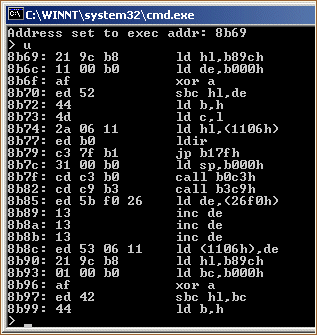
Disassemble mode
Type d to switch to dump mode and u to dump a page.
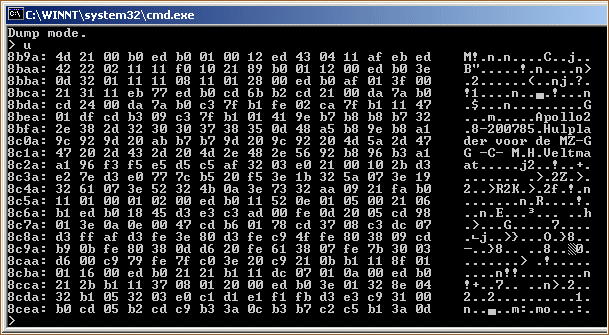
Dump mode
Typing d again will put the program back in disassemble mode.
The console recognises the following commands:
| command | description |
|---|---|
| jxxxx | Set the address pointer to xxxx. |
| e | Go to the execution address found in the header. |
| l | Go to the load address found in the header. |
| d | Toggle disassemble / dump mode. |
| u | Disassemble or dump one page. |
| h | Print a help message. |
| q | Quit. |
Type h for help.
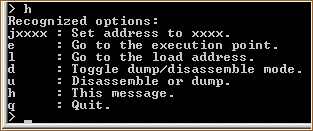
Options
Other features
All undocumented opcodes are implemented, as well as the duplicates. Inactive opcodes will decode as a duplicate undocumented nop instruction.
Sources: